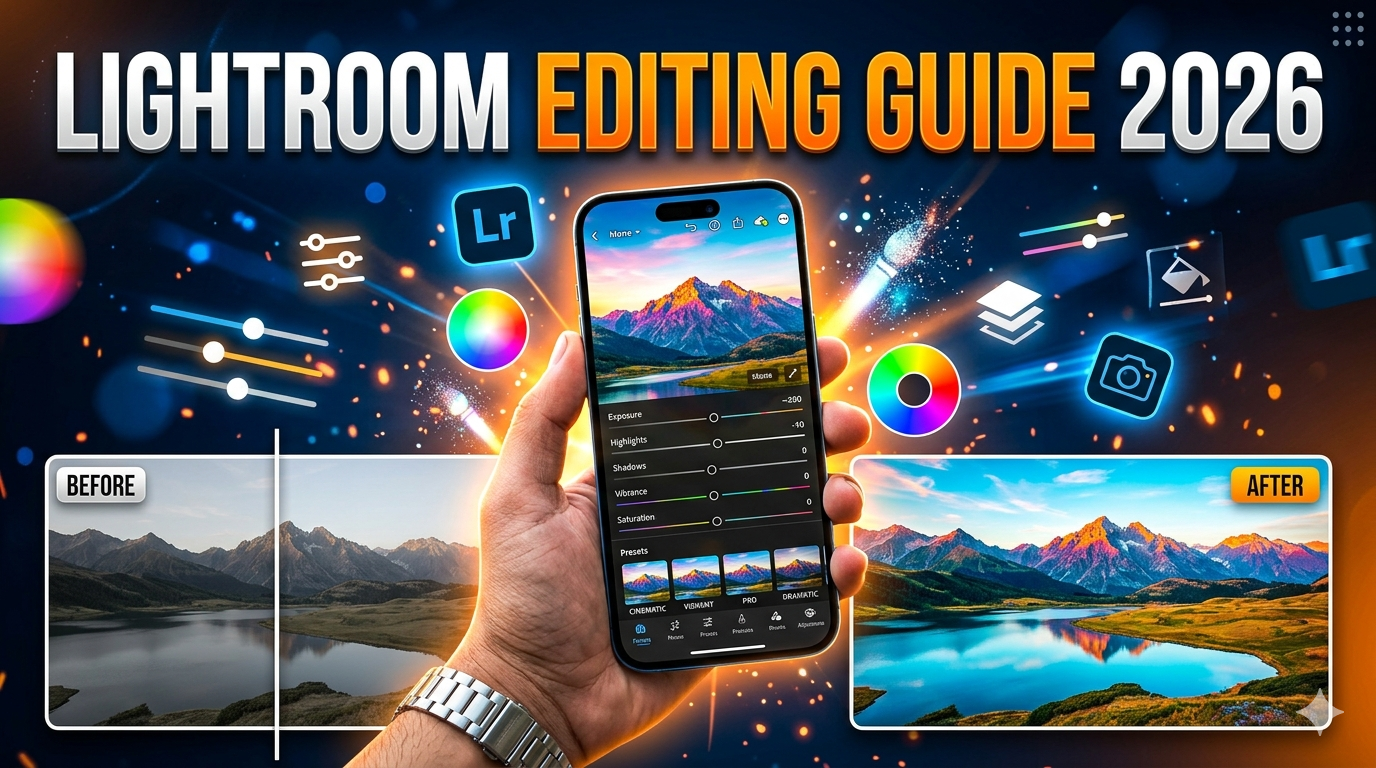
Adobe Lightroom: The Ultimate Photo Editing App for Beginners and Professionals (2026 Guide)
Introduction
In today’s digital world, photography has become more than just a hobby. Whether you are a content creator, social media influencer, professional photographer, or someone who simply loves capturing memories, editing plays a crucial role in making photos look their best. One of the most popular photo editing applications used worldwide is Adobe Lightroom.
Developed by Adobe, Lightroom is known for its powerful editing tools, professional-grade color controls, and user-friendly interface. From simple brightness adjustments to advanced color grading and RAW photo editing, Lightroom provides everything needed to transform ordinary images into stunning visuals.
This article will explore what Adobe Lightroom is, its key features, why photographers love it, and how beginners can start using it effectively.
What Is Adobe Lightroom?
Adobe Lightroom is a professional photo editing and photo management application designed for photographers and creative professionals. It is available on desktop, mobile, and web platforms and allows users to organize, edit, enhance, and share photos with ease.
Unlike traditional editing apps that only provide filters, Lightroom focuses on precise control over lighting, color, and detail. This makes it ideal for photographers who want full control over how their images look.
Lightroom is also part of Adobe Creative Cloud, a collection of creative tools that includes popular applications such as Adobe Photoshop, Illustrator, and Premiere Pro.
One of the biggest advantages of Lightroom is that it allows non-destructive editing. This means the original image remains untouched, and all edits can be changed or reversed at any time.
Key Features of Adobe Lightroom
1. Professional Color Editing
One of Lightroom’s most powerful features is its advanced color editing tools. Users can adjust:
White balance
Saturation
Hue
Vibrance
Color grading
These tools allow photographers to create cinematic color styles, natural skin tones, or dramatic visual effects.
2. RAW Photo Editing
Many professional cameras capture photos in RAW format, which contains more image data than standard JPEG files.
Lightroom allows users to edit RAW photos while maintaining maximum image quality. This means photographers can recover details from shadows and highlights that would normally be lost in compressed images.
3. Presets for Fast Editing
Presets are one-click editing settings that instantly apply a specific look to a photo.
For example, you can apply presets that create:
Bright Instagram-style edits
Moody cinematic tones
Vintage film effects
Professional portrait looks
Presets save time and help maintain a consistent editing style across multiple photos.
4. Selective Editing Tools
Lightroom allows users to edit specific areas of a photo rather than the entire image.
Tools include:
Brush tool
Gradient filter
Radial filter
AI masking
These features allow precise adjustments to areas such as the sky, subject, background, or skin tones.
5. AI-Powered Editing Tools
Modern versions of Adobe Lightroom include artificial intelligence tools that make editing easier and faster.
AI tools can automatically:
Detect the sky
Select the subject
Enhance portraits
Improve lighting balance
This reduces editing time while still producing professional results.
6. Photo Organization and Management
Another powerful feature is Lightroom’s photo management system.
Users can organize thousands of photos using:
Albums
Keywords
Ratings
Color labels
Search filters
This is especially useful for professional photographers who work with large photo libraries.
7. Cloud Sync Across Devices
When using Lightroom with Adobe Creative Cloud, photos and edits can sync across devices.
For example, you can:
Start editing on your phone
Continue editing on your laptop
Access the same photos from a tablet
This flexibility makes Lightroom a powerful tool for photographers who work on multiple devices.
Why Photographers Love Adobe Lightroom
There are several reasons why Lightroom is widely used by photographers around the world.
Easy to Learn
Even beginners can quickly learn the basics of Lightroom. The interface is clean and simple, making it easy to understand how editing tools work.
Professional-Level Results
Despite being beginner-friendly, Lightroom offers powerful tools used by professional photographers and editors.
Non-Destructive Editing
Because Lightroom never changes the original image, users can experiment freely without worrying about damaging their photos.
Time-Saving Workflow
Features like presets, batch editing, and AI tools make it possible to edit large numbers of photos quickly.
Lightroom Mobile vs Desktop
Adobe Lightroom is available in two main versions:
Lightroom Mobile
Available on smartphones and tablets, the mobile version is perfect for quick edits and social media content creation.
Benefits include:
Editing on the go
Easy sharing to social media
Touch-friendly interface
Lightroom Desktop
The desktop version provides more advanced tools and a larger workspace, making it ideal for professional photographers.
Benefits include:
Advanced color grading
Detailed RAW editing
Better photo organization
Many photographers use both versions together with cloud syncing.
Tips for Beginners Using Lightroom
If you are new to Lightroom, these tips can help you improve your editing skills quickly.
Start With Basic Adjustments
Begin by adjusting:
Exposure
Contrast
Highlights
Shadows
These simple adjustments can significantly improve a photo.
Avoid Over-Editing
One common mistake beginners make is using too much saturation or contrast.
Professional edits usually look natural and balanced, not overly dramatic.
Use Presets Carefully
Presets are helpful, but they should not replace manual editing. Always adjust the settings after applying a preset to match your specific photo.
Practice With Different Photos
Try editing various types of images such as:
Portraits
Landscapes
Street photography
Night photography
Each type requires different editing techniques.
Best Free Alternatives to Lightroom
While Adobe Lightroom is extremely powerful, there are also several free editing apps available.
Some popular options include:
Snapseed – Professional editing tools developed by Google
Canva – Ideal for combining photos with graphics and social media designs
Pixlr – A fast and simple online photo editor
These tools are great for beginners who want to explore photo editing without advanced workflows.
Final Thoughts
Photography is not only about capturing the perfect moment but also about enhancing it through thoughtful editing. With its powerful tools, intuitive interface, and professional features, Adobe Lightroom has become one of the most trusted photo editing platforms in the world.
Whether you are editing travel photos, portraits, landscapes, or social media content, Lightroom provides the flexibility and control needed to bring your creative vision to life.
By learning the basics, practicing regularly, and experimenting with different editing styles, anyone can use Lightroom to transform ordinary photos into stunning images.
In the end, great photography is a combination of creative vision, good lighting, and smart editing—and Lightroom remains one of the best tools available to help achieve that.