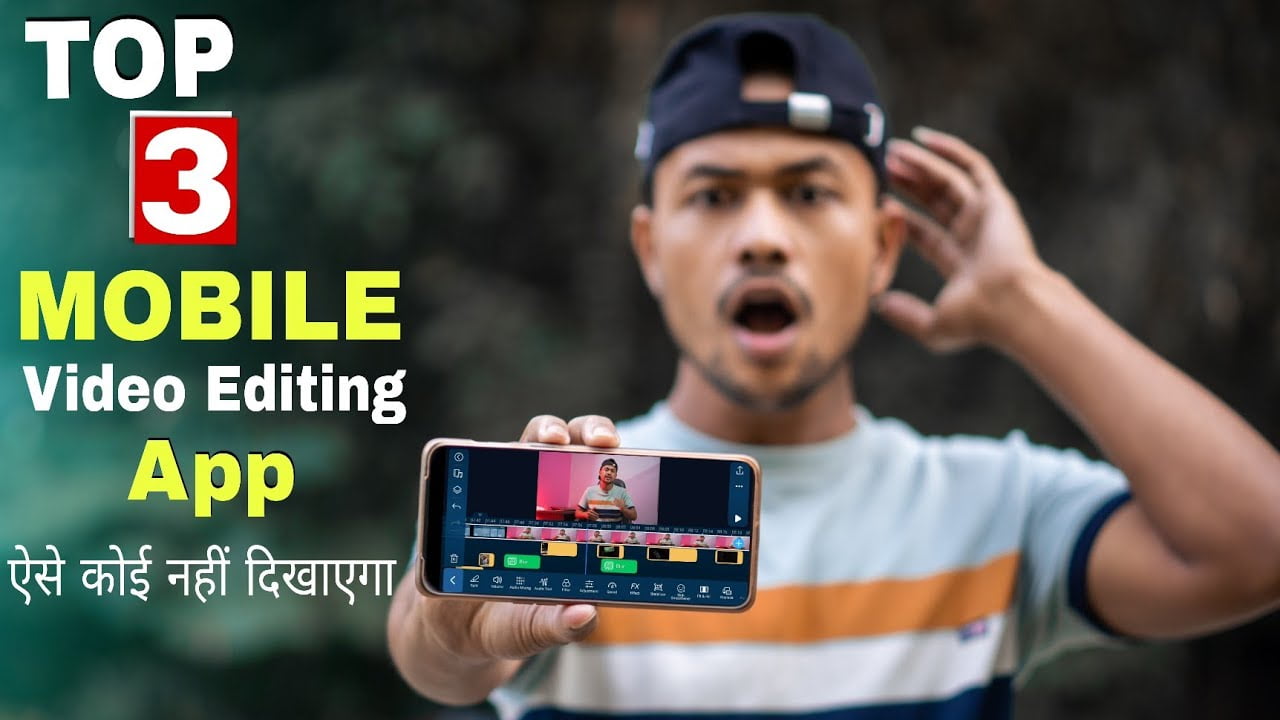
Best video editing apps for Android
There are so many video editing apps on play store but I am going to tell you about money video editing apps so that you can do a professional video editing yes brother I am talking about Kinemaster, FilmoraGo, Power Director.
- Kinemaster
- FilmoraGo
- Power Director
KineMaster:- KineMaster is a full-featured video editor for Android. It has powerful tools that are easy to use. It has over 2500 downloadable transitions, effects, videos, images and transitions. The addition of EQ presets, ducking and volume envelope tools makes audios on KineMaster super immersive and powerful. The premium subscription also features unlimited exports in resolutions up to 4K.
Key Features:-
- In-built graphics, fonts, stickers, transitions, clips, and more to beautify your video
- Multiple layers of video, stickers, images, text, etc
- It includes a keyframe animation tool to add motion to layers
- Voice overs, voice changers, sound effects, background music
- Create beautiful effects with a blending mode
- Share on YouTube, Facebook, Dropbox, etc

FilmoraGo :-
A pretty powerful video editor application, Filmora go is also one of the best free video editing app for Android phones which will not stamp a watermark or place a time limit on your clip. It helps you create decent videos with a wide variety of effects and presets. You can easily share your videos with your friends on Youtube, Instagram, Facebook, WhatsApp right from the platform.
Key Features:
- Import from social networking sites like Instagram and Facebook
- Extensive library of licensed songs
- Lip sync your videos
- Make videos in various dimensions – square, cinema
- Reverse, trim or rotate videos, add text overlays, play with speed
- Multiple Fast or Slow motions in the same video
- Change motion and timeline of title, can add multiple titles
- Supports many international languages like German, Italian, Turkish, Japanese, Korean, Arabic, Russian, etc
Pros:-
- Easy to use and loaded with free features
- Professionally done, high-quality videos
- Access to high-quality preset templates in the PRO version
Cons:-
- The abundance of presets, filters and effects are not backed by strong how-to tutorials
- The audio always fades out towards the end of the video
- The horizontal timeline makes video editing cumbersome
Power Director:- Power Director is an Android video editor that lets you create videos in 4K quality, edit videos with multi-timeline features, and share them on YouTube, Instagram and Facebook.
It lets you add music, transitions, motion titles, effects, emojis, filters and more to enhance your videos.
Key Features:-
- Export videos with up to 4K resolution
- Video Stabilizer to fix shaky footage
- Chroma key to edit green screen background
- Add glitch and transition effects to make the video look futuristic
- Overlay clips to produce double exposure effects
- Multiple blending modes and multi-timeline interface

How to download best video editing app for android without watermark
Click the download button and free download without watermark application
Then download Now
Best photo editing apps for android free 2022
Guys if I have already
Best video editing apps for Android detailed video on our YouTube Channel then please check out
I Hope you must have got to learn something new and different in this article, so see you in another such new article. Thanks for being with us. We like to know about your experience. If any Query, Share with us your valuable opinion and feedback in the comment section down below.